Website Traffic Enrichment in Clay
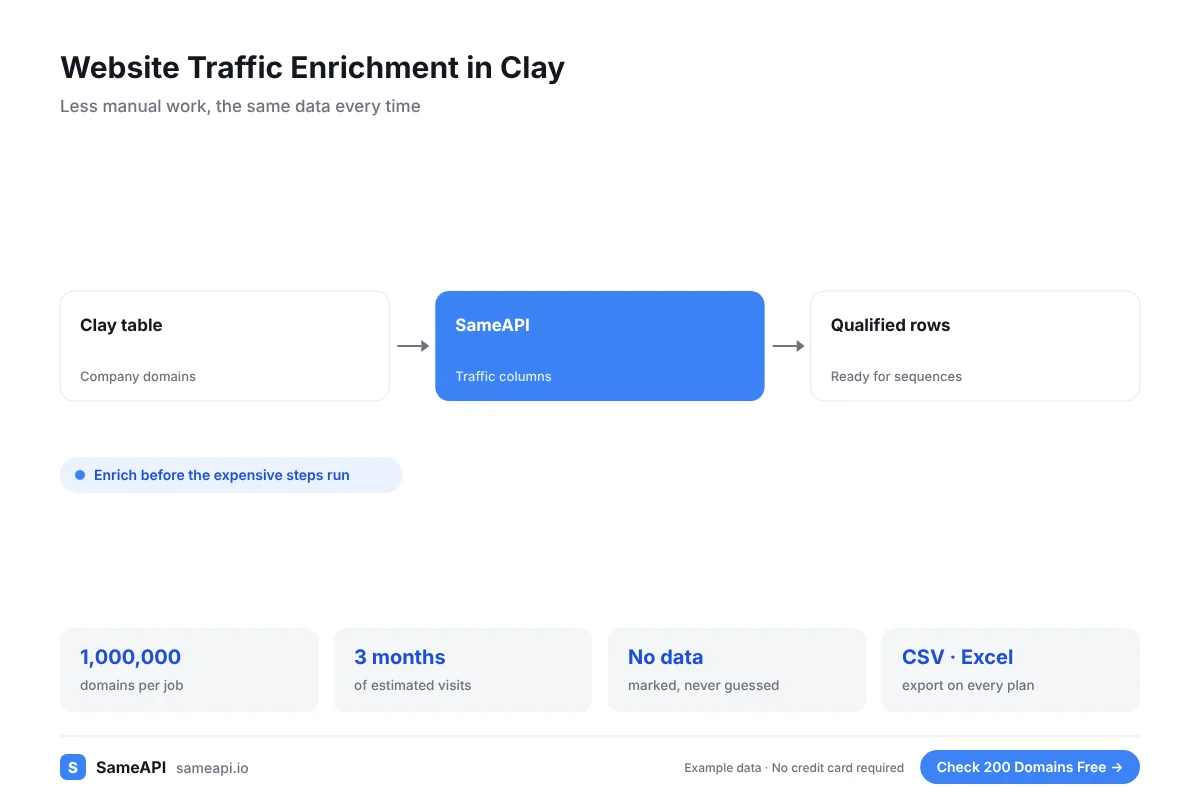
Website traffic enrichment in Clay adds a size and activity signal to every company in your table. SameAPI returns estimated visits, rank, sources and AI traffic for each company domain.
Use it to qualify, score and personalize outbound before a single email or call goes out.
No credit card required.
Add Traffic Columns to Every Company in Clay
Clay tables already hold firmographics and contacts. Website traffic shows which companies are active online and how big their reach is.
- Estimated monthly visits for the last three months
- Global and country rank
- Top countries by share of visits
- Search, paid, social and email share
- Total AI visits and the assistants sending them
Use the columns in Clay formulas to set traffic bands, filter rows and write first lines.
Companies with steady growth over three months make good targets for timely outreach.
Qualify Accounts Before You Spend Credits
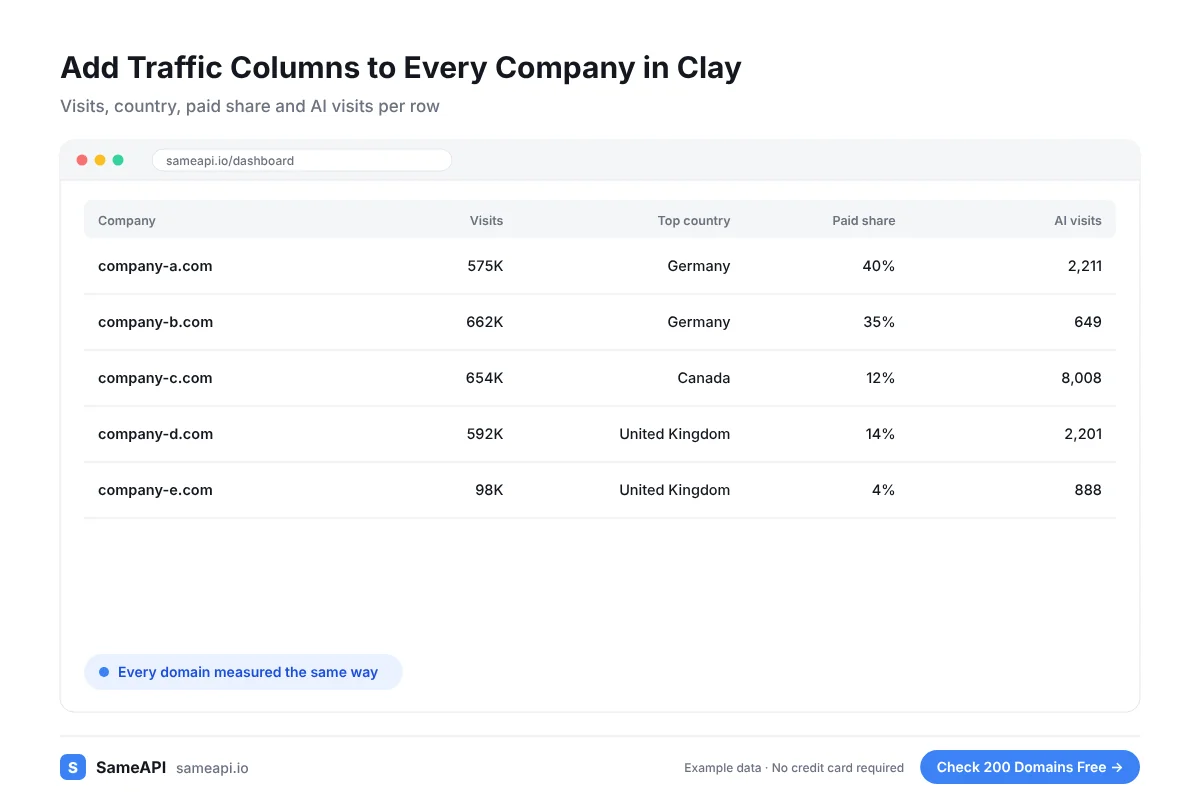
Every enrichment step and every email costs something. Running them on companies with dead websites wastes both.
Add traffic early in the table. Filter out domains with no measurable traffic before the more expensive steps run.
Your sequences reach companies with a real online presence. Reply rates follow.
Write First Lines That Show Research
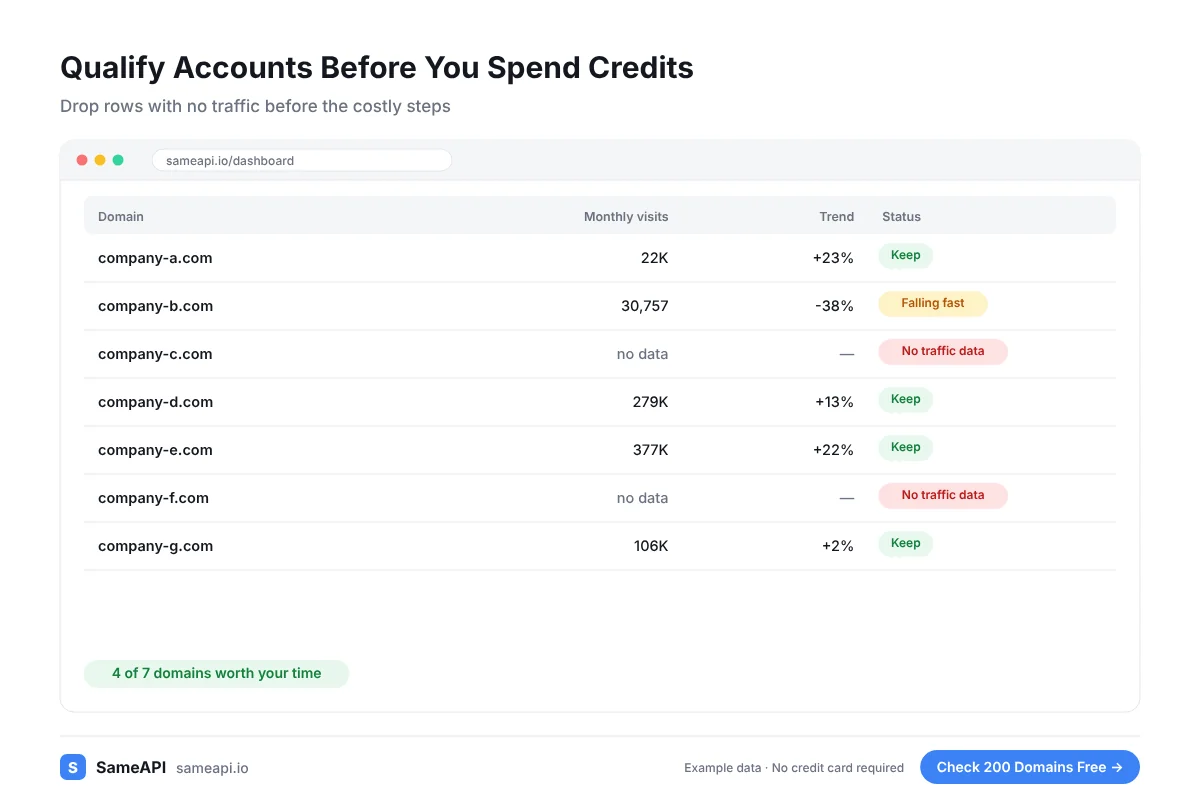
A first line that mentions a prospect's main market or their reliance on paid ads reads like real research.
Clay's AI columns can use the traffic fields as input. A prompt like "mention their top country" now has a fact to work with.
Agencies selling SEO, ads or web design can open with the exact gap they see in the numbers.
A store with little search traffic is an SEO lead. A company with high paid share may want help with ad costs.
Two Ways to Get the Data Into Clay
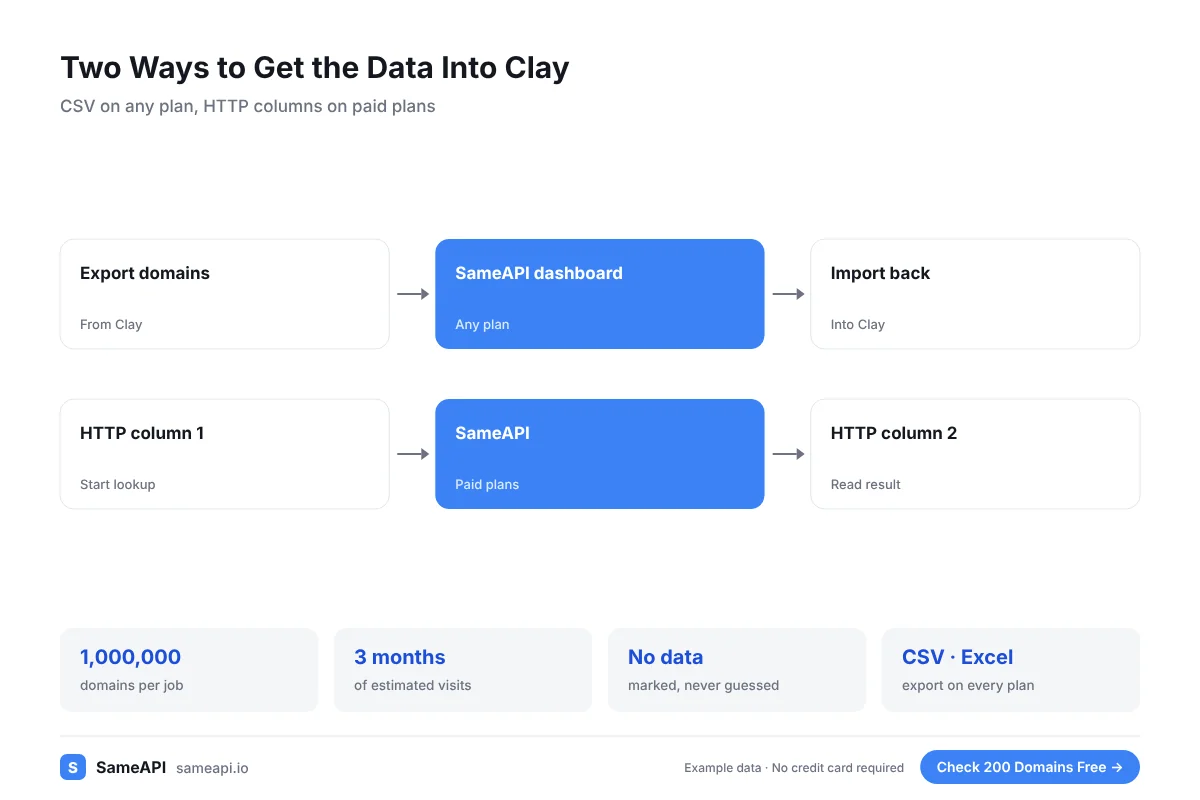
Pick the path that fits your plan and your table size.
- CSV path, any plan: export the domain column, check it in the SameAPI dashboard, import the results back into Clay
- HTTP path, paid plans: an HTTP column in Clay starts a SameAPI lookup for each row
- A second HTTP column reads the result once the job is complete
- Keep your SameAPI key in Clay's secure field, not in the table
SameAPI has no official Clay integration. Both paths use features Clay and SameAPI already have, so there is nothing to install.
Built for Clay Users and Outbound Teams
- GTM engineers building enrichment tables
- Outbound agencies qualifying lists for clients
- SDR teams scoring accounts before sequences
- Founders running outbound from Clay
- RevOps teams syncing Clay tables to their CRM
The free plan covers 200 domains a month for the CSV path. The HTTP path starts at $20 a month.
Most teams start with the CSV path on one table. They move to HTTP columns once the routine is clear.
Add Traffic Data to Your Next Clay Table
Export your company domains, check them in SameAPI and bring the numbers back into Clay. Start with one table today.
No credit card required.
Last updated: