Add Website Traffic to Salesforce
Add website traffic to Salesforce so every account shows how big and active the company's website is. SameAPI checks your account websites and gives you a file ready to update Salesforce.
You use the import tools Salesforce already has. There is no package to install.
No credit card required.
Put Traffic Data on Every Account
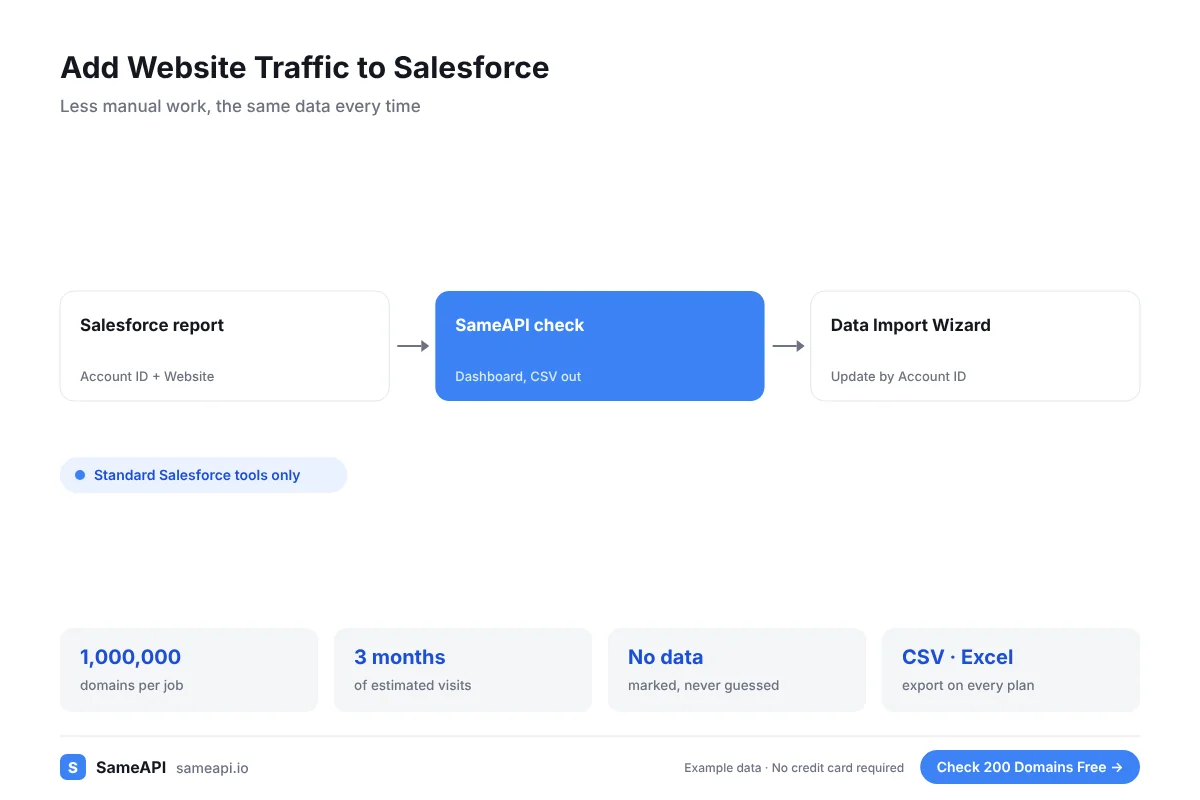
Salesforce accounts hold the firmographics your team entered. Website traffic adds a fresh, outside signal about reach and activity.
- Estimated monthly visits
- Three-month trend
- Global and country rank
- Top country by share of visits
- Search, paid and social share
- Total AI visits
Use the new fields in list views, reports, territory rules and lead scoring.
Dashboards can show the share of your pipeline in each traffic band. Leaders see at once where the big accounts sit.
Give Territory and Routing Rules Better Inputs
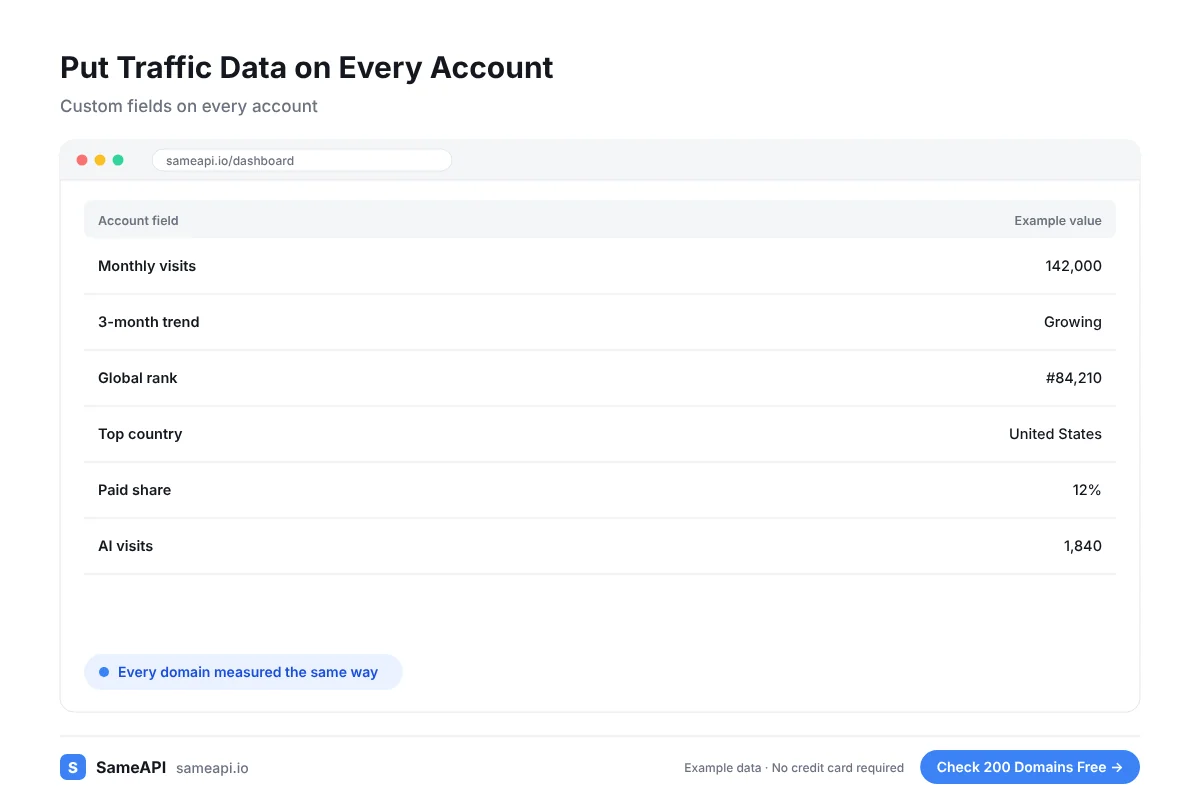
Territory plans often rely on headcount figures that are years old. Web traffic shows which accounts are active and growing now.
Add a traffic band field and use it in assignment rules. Large, growing accounts go to senior reps.
Smaller accounts can go to inside sales or to a nurture program.
Accounts with no measurable web traffic are worth checking before they take a rep's time.
Some may be closed, merged or acquired. Updating them keeps your reports clean.
Refresh the Fields Each Month
Traffic changes. A one-time update goes stale quickly.
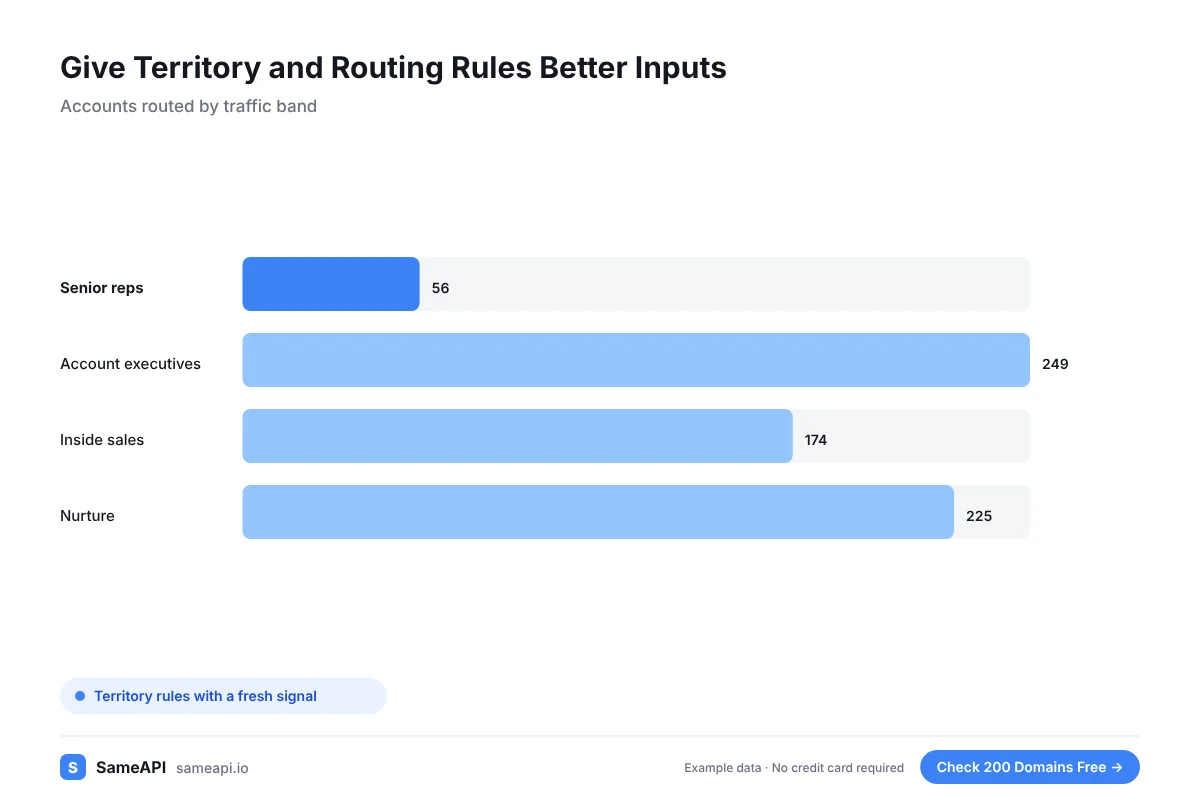
Run the same export and import each month. Each check returns three months of data, so you can store a trend field too.
Reports that compare this month with last month show which accounts are heating up.
A simple trend field, growing or declining, helps reps choose which account to call first each week.
Add Traffic to Salesforce in Four Steps
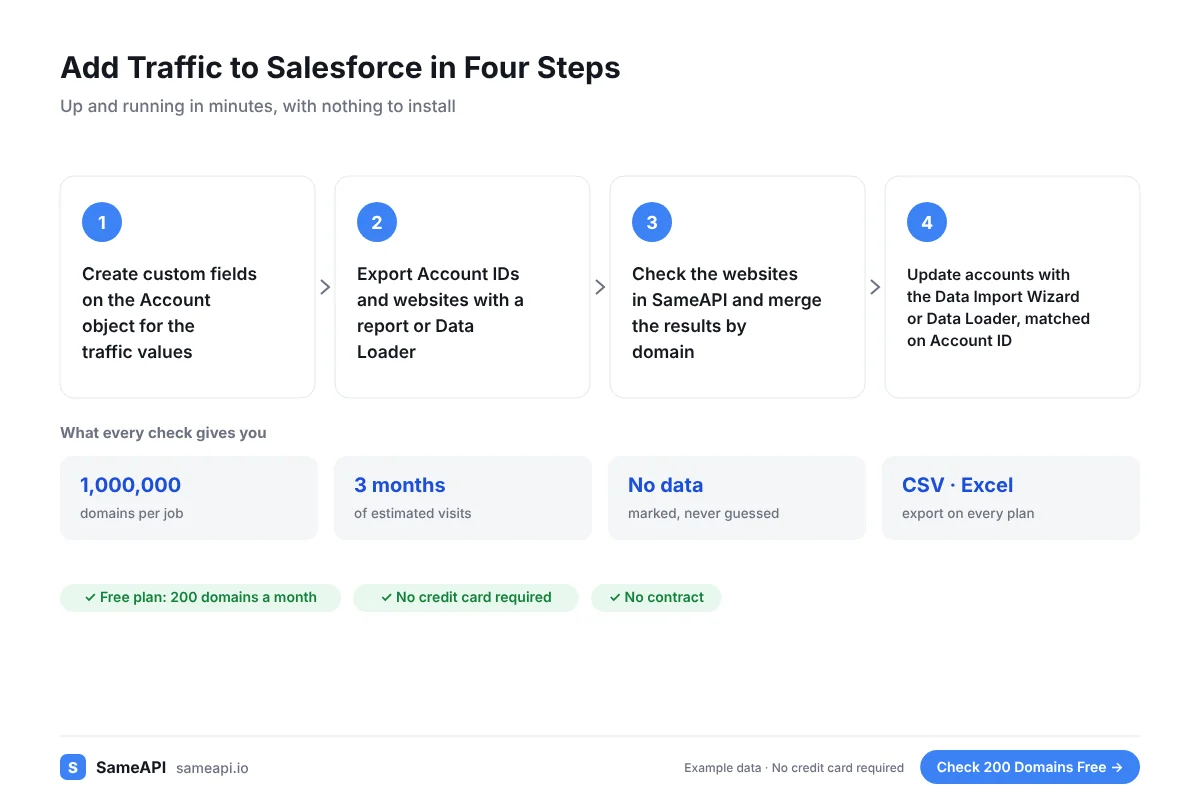
Admins can set it up with standard Salesforce tools.
- Create custom fields on the Account object for the traffic values
- Export Account IDs and websites with a report or Data Loader
- Check the websites in SameAPI and merge the results by domain
- Update accounts with the Data Import Wizard or Data Loader, matched on Account ID
Match on the Account ID when you update. It avoids duplicate records.
Run a small test batch first. Check a few accounts by hand before you update the full list.
Built for Salesforce Admins and RevOps
- Salesforce admins enriching account data
- RevOps teams improving territory and routing rules
- Sales leaders who want an outside size signal
- Consultants who manage Salesforce for clients
- Marketing ops teams building account-based segments
The free plan covers 200 accounts a month. Pro covers 10,000 for $20 with no contract.
SameAPI has no official Salesforce integration. The steps above use standard features of both tools.
The monthly routine takes less than an hour for most orgs once the fields exist.
Add Traffic to Your Salesforce Accounts
Export your account websites, check them in SameAPI and bring the numbers back to Salesforce. Start with your top accounts today.
No credit card required.
Last updated: